
Make a video about VidNexus.
The walkthrough, screenshots, facts and angles you need, in one place. You earn 30% of every Lifetime and Early Bird sale from your link: $449 on a $1,499 license, $299 on an Early Bird.
VidNexus isn't on sale yet. Apply now and tick the test key box: if you're approved, you get a full license to make real videos with, yours to keep. In return you publish at least one honest video or post about VidNexus, with your affiliate disclosure, once your link is live. Your link arrives by email when the store opens, so it works from the first sale.
The facts
- What it is
- A Windows desktop app that turns a topic into a finished, captioned faceless YouTube video on your own PC
- Price
- $1,499 once (Early Bird: $999 for the first 10). No subscription, no credits, no per-video fees
- Guarantee
- 14-day money-back guarantee, no questions asked. There is no free trial
- Updates
- Every v1.x update included
- Steps it does
- Topic research, outline, script with a hook score and fact check, voice, footage, motion graphics, captions, music, render, thumbnail, upload to YouTube
- Formats
- 16:9 long-form of any length, and 9:16 Shorts up to 3 minutes
- Script AI
- A free local model through Ollama (runs on the PC), or a hosted model with your own key
- Voice
- ElevenLabs or ai33.pro (OpenSpeaker) with your own key, or upload your own recording
- Footage
- Pexels, Pixabay, Coverr, public-domain archives (Internet Archive, Wikimedia Commons, NASA, DVIDS) and your own downloaded clips, plus optional Higgsfield AI clips
- Motion graphics
- 100+ types (maps, timelines, counters, charts, quotes and more), suggested scene by scene
- Rendering
- On your GPU: NVIDIA NVENC or AMD AMF
- Speed
- An 8-minute documentary builds in about 10 minutes, start to finish
- Running cost
- About $0.40 to $0.60 of ElevenLabs voice for a 5 to 8 minute video on the creator's own account, and less with ai33.pro
- Needs
- Windows 10/11, 16 GB RAM (32 GB recommended), an NVIDIA or AMD GPU recommended
The 30-second version: VidNexus makes faceless YouTube videos on your own PC, from the topic to the upload. You pay once instead of every month, and there are no credits, so making more videos costs nothing more.
Video ideas that work
Useful links for the description: pricing, the best faceless video tools in 2026, head-to-head comparisons.
Screenshots and logos
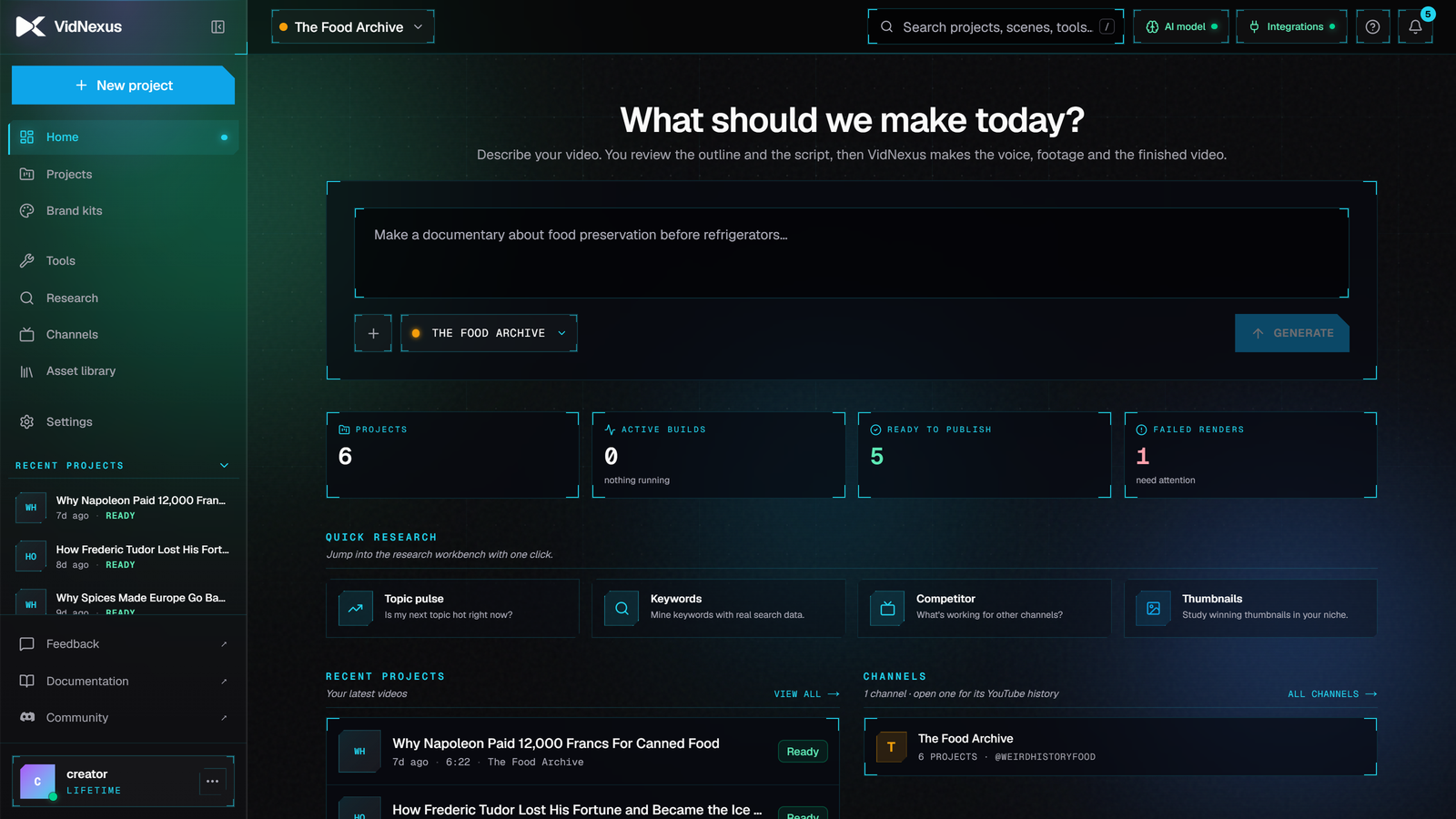
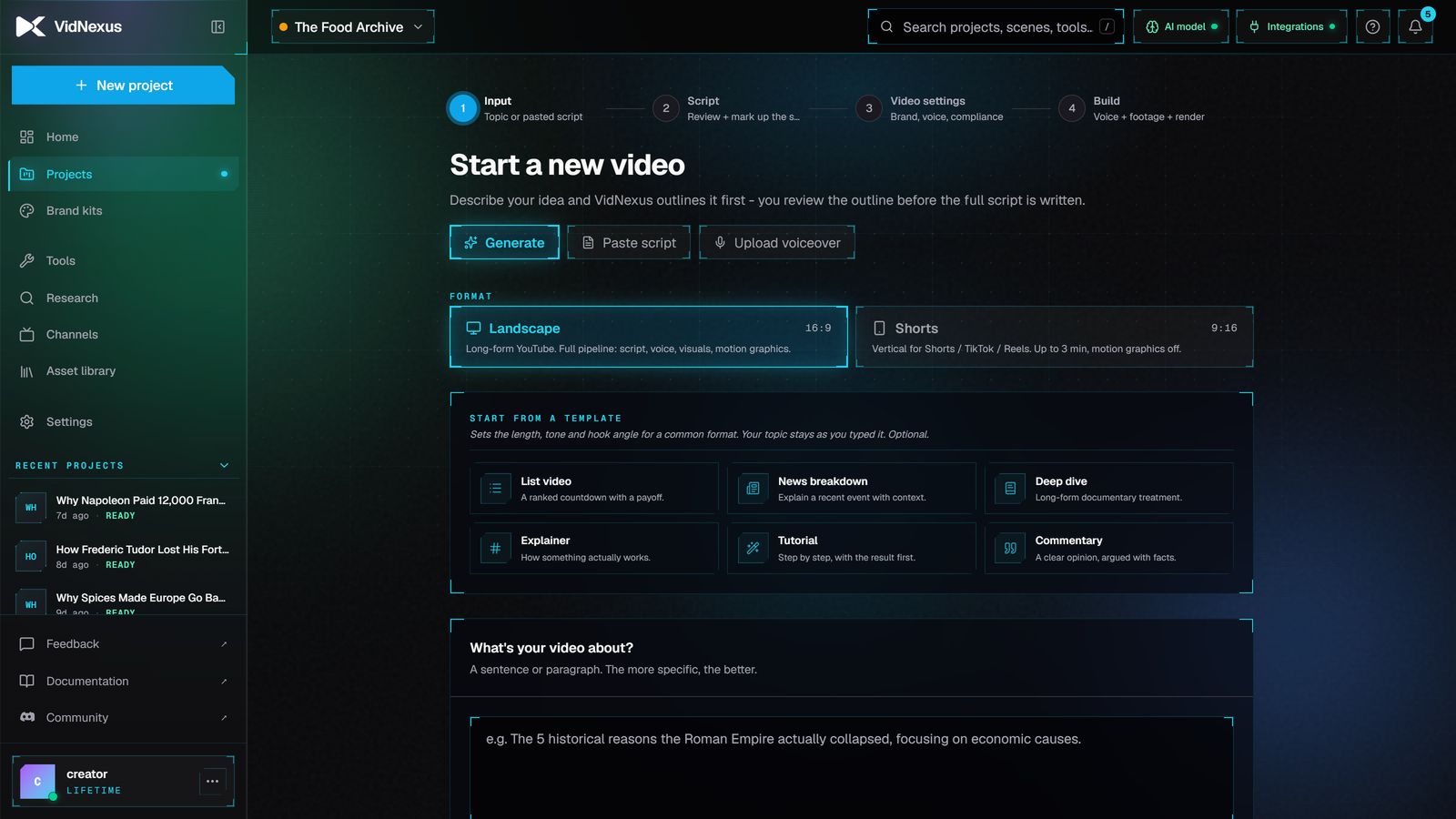
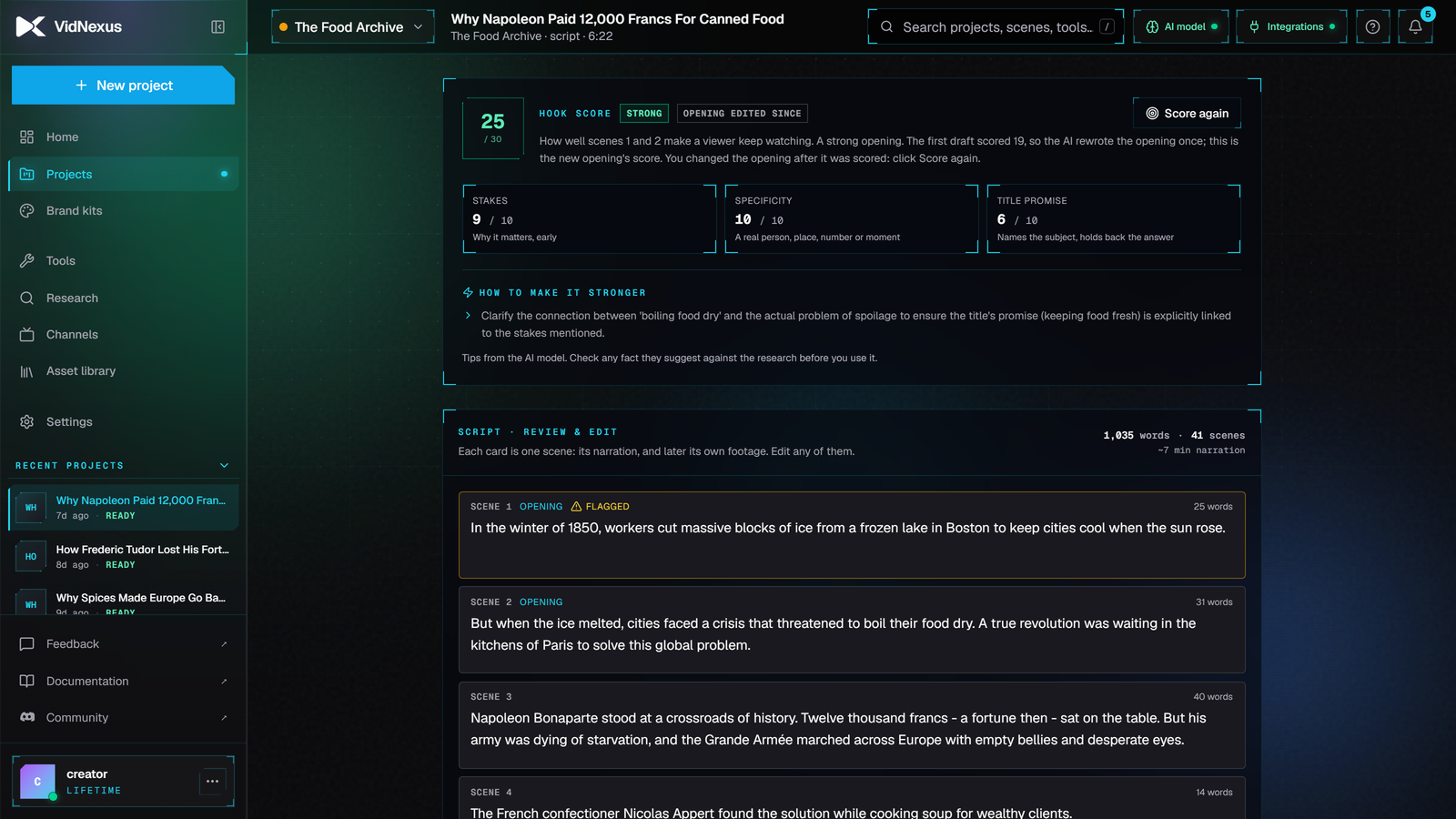
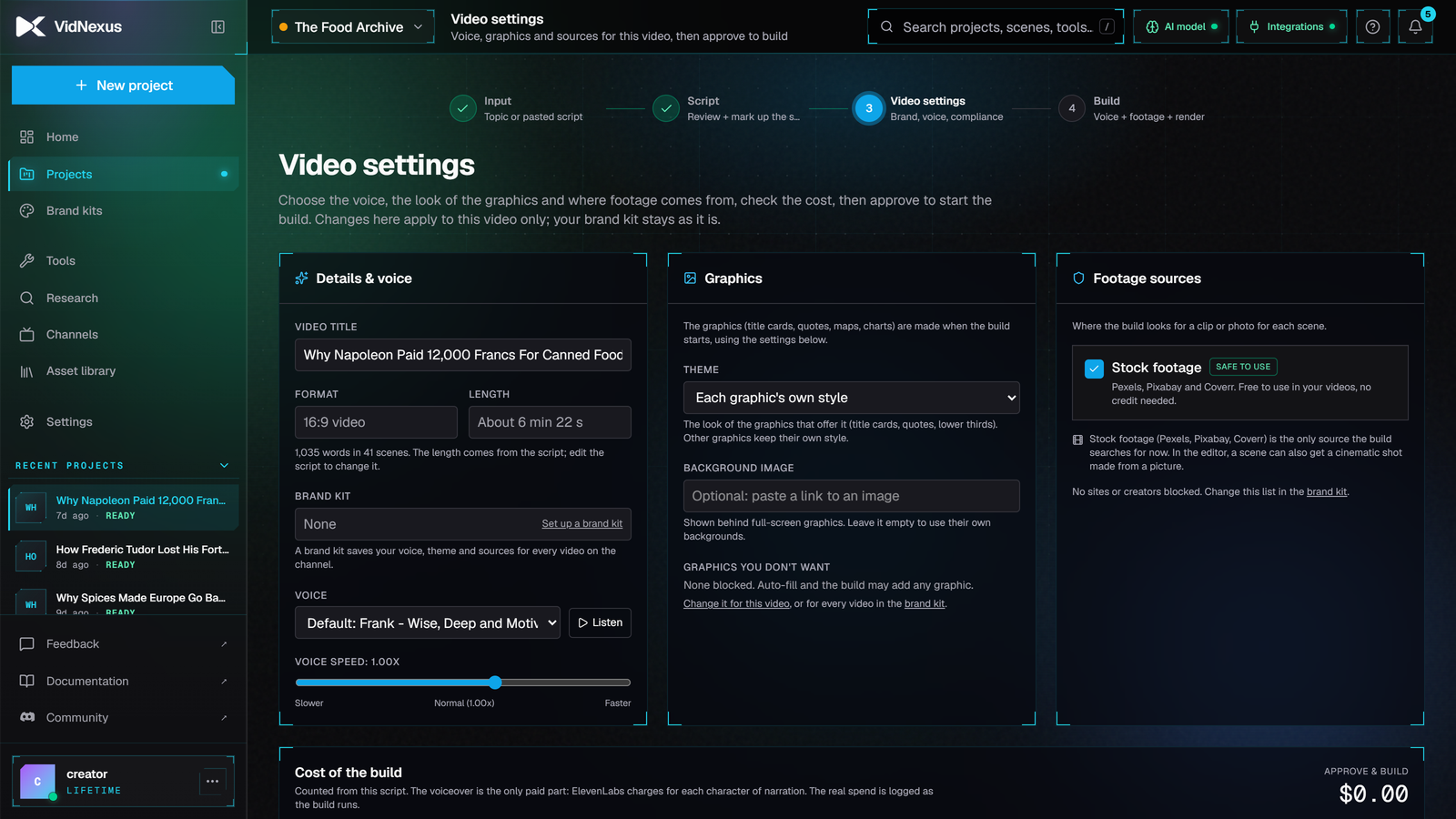
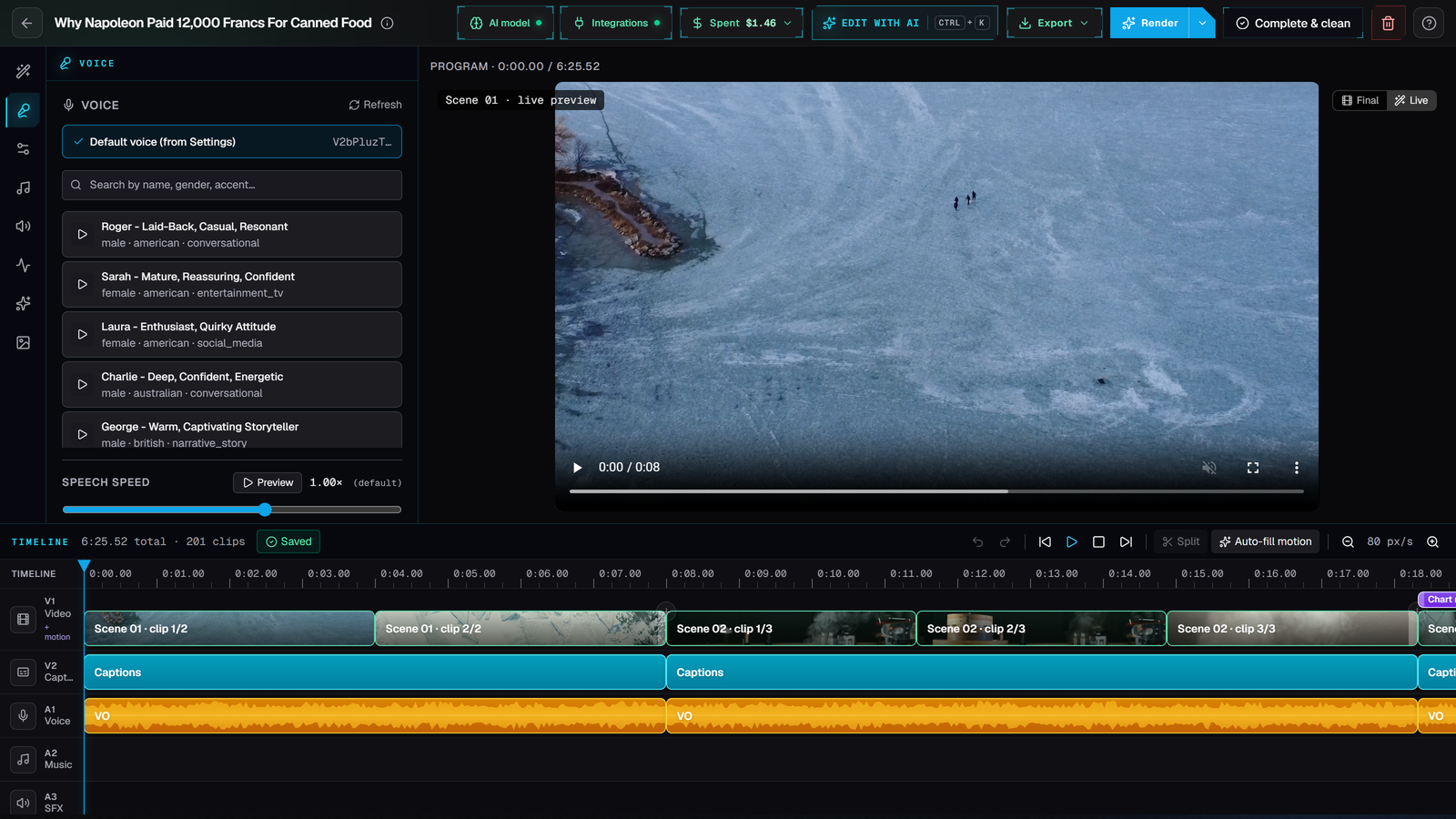
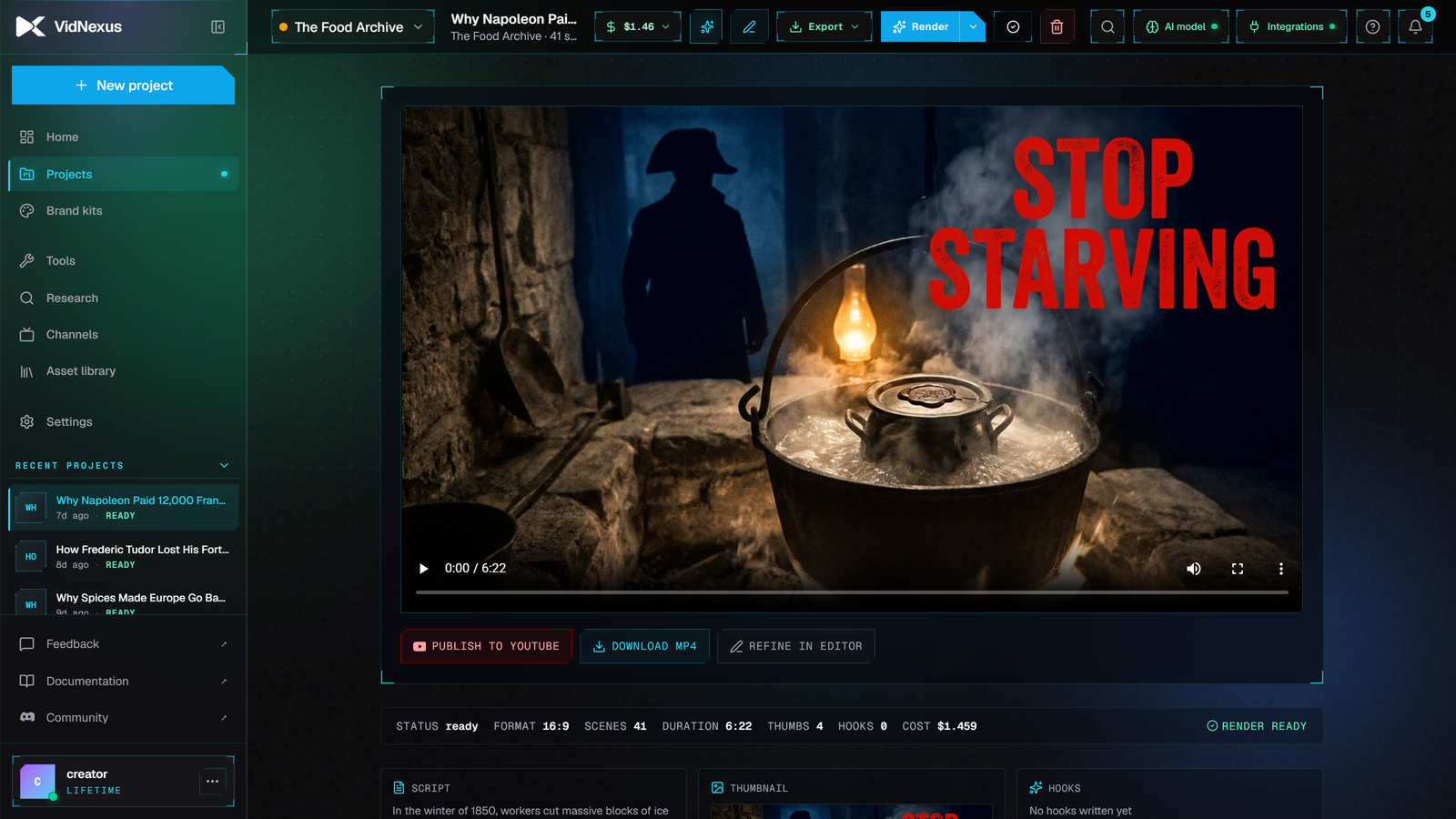
Clip pack
Short recordings of VidNexus making a real video with a demo channel, with no voice or music, so you can drop them into your own edit. Each clip comes in 1920×1080 for long-form and in a 1080×1920 version with a title, ready for Shorts, TikTok and Reels. Sped-up clips say so: if you use them in a long-form video, say it too.
- 01Type a topic · Length, tone and hook, then start
- 02Outline ready · The sections it plans
- 03Script and hook score · The written script and its score (2x speed)
- 04Build timelapse · Voice, footage, graphics, render (24x speed)
- 05Editor timeline · Choosing b-roll for a scene
- 06Caption styles · Picking a caption style
- 07Music · Picking a music track
- 08Thumbnails · Making thumbnail options (8x speed)
- 09Finished video · Ready to publish
- 10Editor tour · Voice, footage and timeline in one place
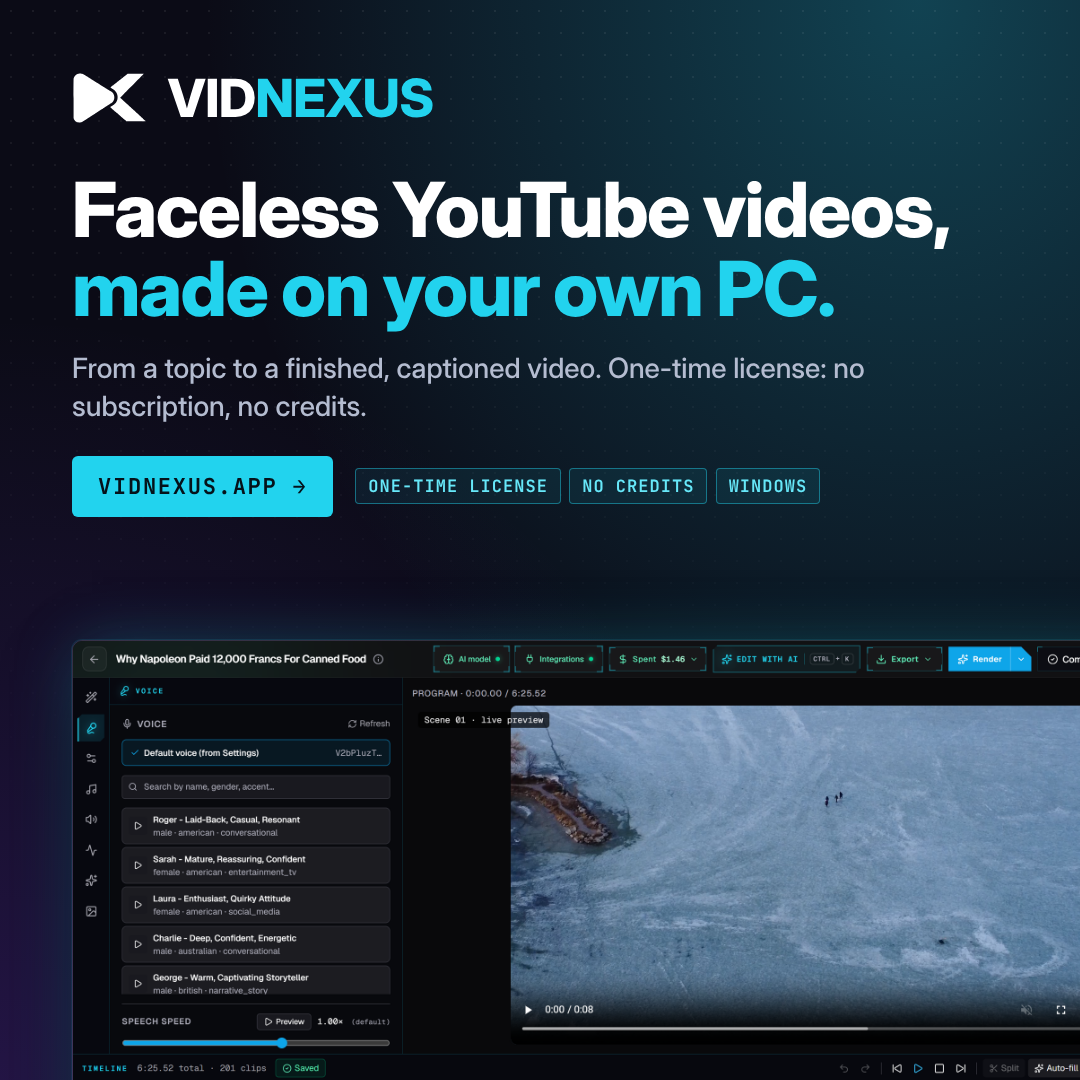
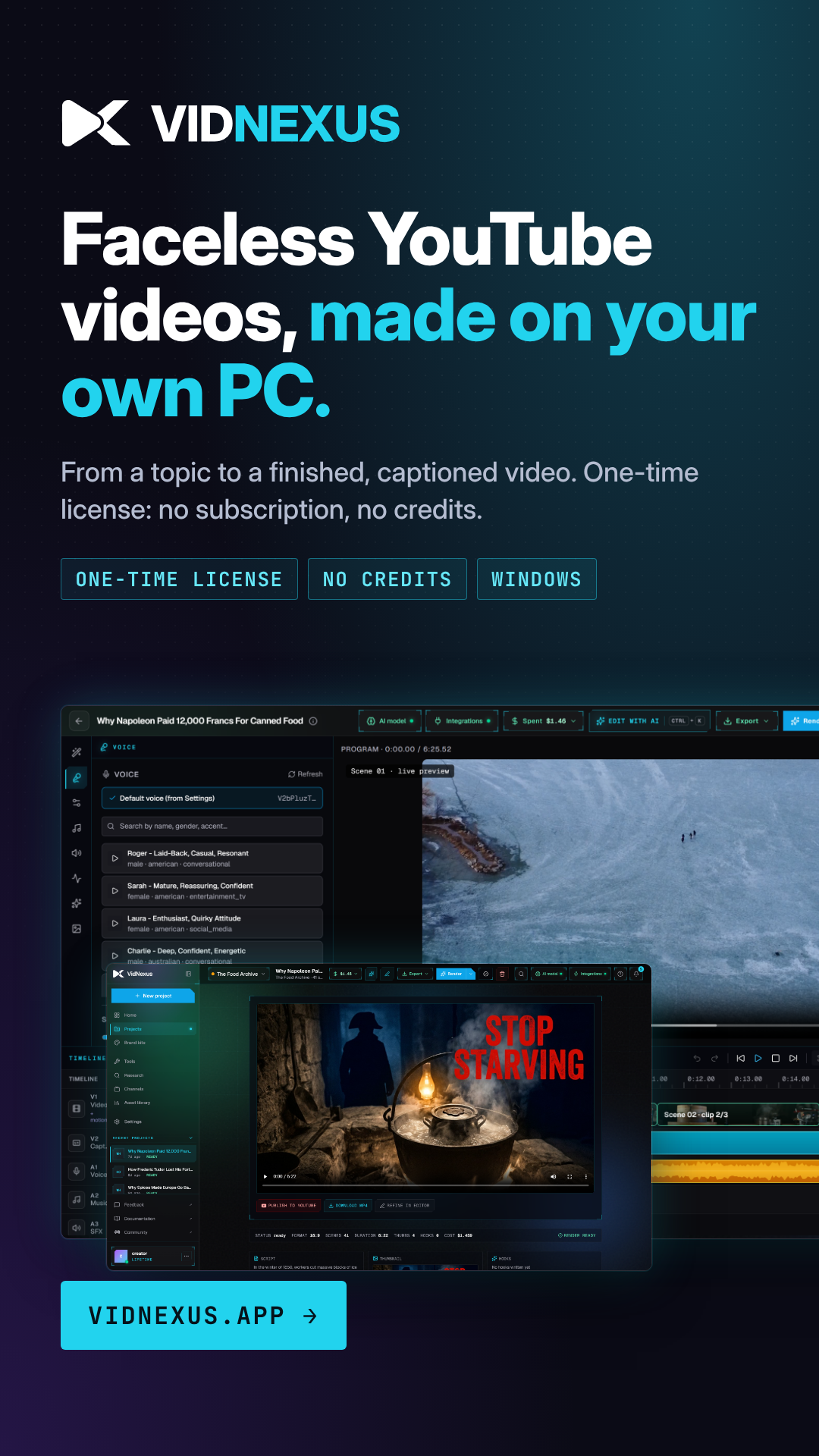
Banners
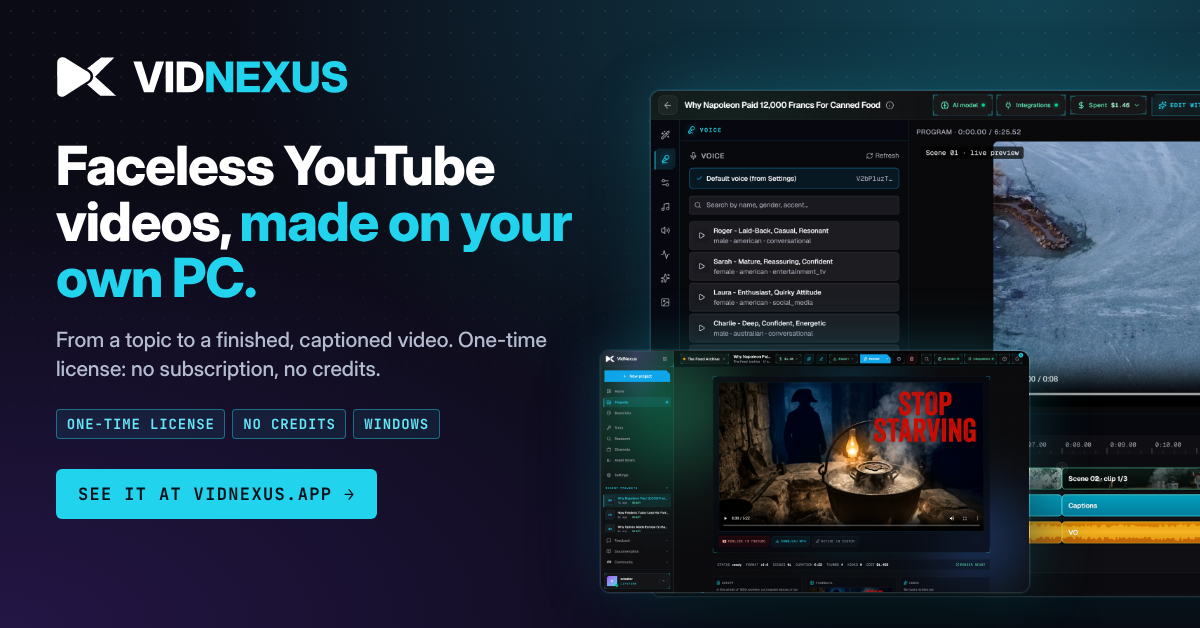
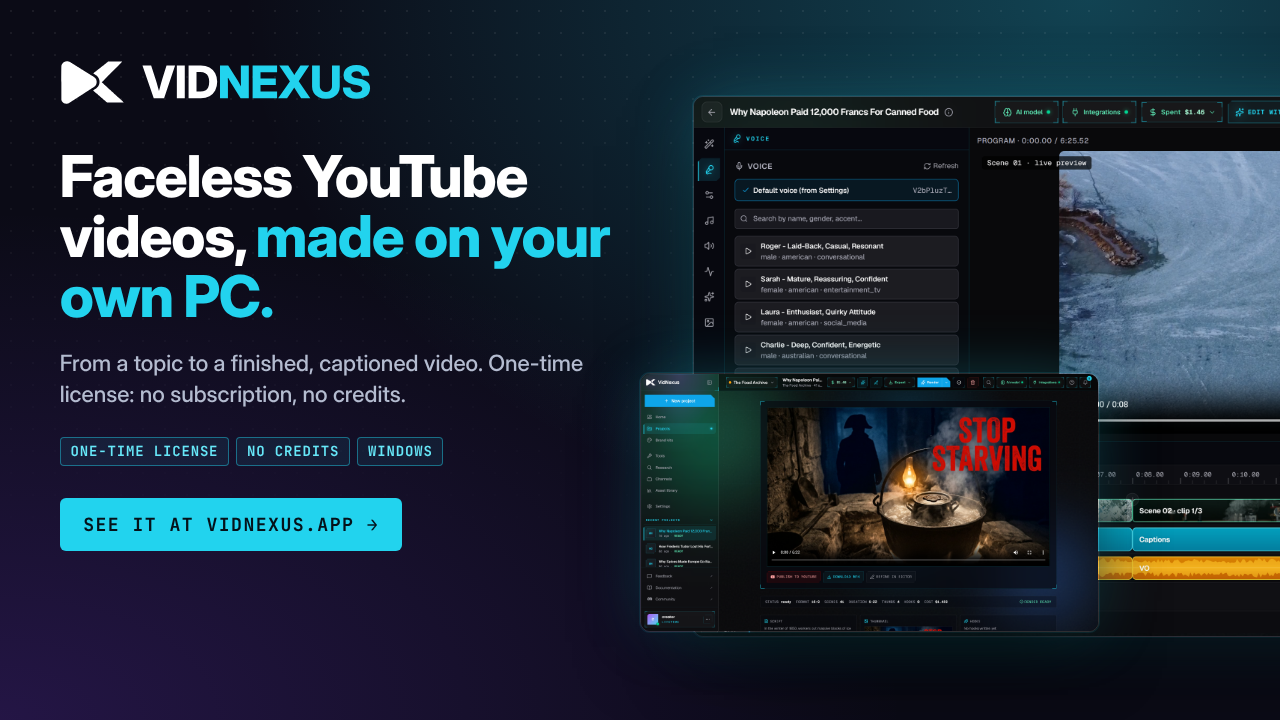

Ready-made text
Replace [YOUR LINK] with your affiliate link. Rewrite freely in your own voice, but keep the disclosure and the facts. All of it as a text file.
VidNexus: [YOUR LINK]
Disclosure: VidNexus gave me a free license to test it, and I earn a commission if you buy through my link. My opinions are my own.

VidNexus is a Windows app that makes faceless YouTube videos on your own PC: research, script with a hook score, voice, stock footage, motion graphics, captions, music, thumbnail and the final render.

- One-time license, no subscription and no credits
- 14-day money-back guarantee (there is no free trial)
- Voice from your own ElevenLabs or ai33.pro account, or your own recording
- Windows 10/11, 16 GB RAM
The app from this video is VidNexus: [YOUR LINK]
It's a one-time license with a 14-day money-back guarantee. Affiliate link: I earn a commission if you buy, at no extra cost to you.
Tool I've been testing: VidNexus, a Windows app that takes a topic to a finished, captioned faceless YouTube video on your own PC. It's a one-time license instead of a monthly plan, with a 14-day money-back guarantee. [YOUR LINK] (affiliate link)
If you make faceless videos, VidNexus is worth a look. You type a topic, review the outline and the script (it scores your hook and checks the facts), and it builds the video: narration from your own ElevenLabs or ai33.pro account, stock footage, motion graphics, captions and music, rendered on your own PC.

What's different is the price model. It's a one-time license, so there are no credits and no monthly fee. The voice costs about $0.40 to $0.60 per 5 to 8 minute video on ElevenLabs (less through ai33.pro), and the script model can run free on your PC.

It's Windows only for now and needs 16 GB of RAM. There's no free trial, but there is a 14-day money-back guarantee, no questions asked.

See it here: [YOUR LINK]
(I earn a commission if you buy through this link.)
Topic in, finished faceless YouTube video out, on my own PC.

Script with a hook score, voice, footage, motion graphics, captions, render. One-time license, no credits.

VidNexus: [YOUR LINK]
(affiliate link)
Most faceless video tools charge every month and meter your credits.

VidNexus is one license, runs on your own PC, and the voice comes from your own ElevenLabs account (about 50 cents a video) or ai33.pro (less).

14-day money-back if it's not for you: [YOUR LINK]
(affiliate link)
I've been testing VidNexus, a Windows app for making faceless explainer and documentary videos.

You give it a topic; it plans the outline, writes a script you review (with a hook score and a fact check), then builds the video with narration, stock footage, motion graphics, captions and music. Everything renders on your own PC.

Two things stood out: it's a one-time license rather than a subscription, and you keep control of every scene in the editor.

Link if you want to see it: [YOUR LINK]
Disclosure: I earn a commission on purchases through this link.
Faceless YouTube videos, made on your own PC. One license, no credits. Link in bio. #ad #facelessyoutube #videoediting
Disclosure and the rules
Affiliate links and free licenses are a material connection, so say so where people will see it: in the video and at the top of the description, not only at the bottom. For example:
"VidNexus gave me a free license to test it, and I earn a commission if you buy through my link. My opinions are my own."
- Say clearly that you earn a commission, and that you got a free license if you did.
- Tick YouTube's "includes paid promotion" box when you got the license for the video.
- Mention the 14-day money-back guarantee: it is the honest answer to "is there a free trial?"
- Show the real app and real output. Our screenshots and demo videos are yours to use.
- Don't say there is a free trial or a free version. There isn't.
- Don't promise views, income or monetisation from using it.
- Don't run paid search ads on the VidNexus name, or post your link on coupon sites.
- Don't share your license key: it is yours, for your own PC.
What you earn
A buyer who clicks your link and buys within 60 days is yours. Each commission is held 60 days (it covers the 14-day refund window and late card disputes), then paid in the next monthly payout. Early Bird sales earn $299. Education and team licenses are sold directly by us after an email, so they don't earn a commission.
Questions? Email support@vidnexus.app; it comes straight to Vlad.