
Format, length, tone and hook angle
Set up a new video before anything is written: the format, the length, a template, the tone and how it opens.
A 4-minute video version of this guide will play here. Everything it shows is written out below.
Everything on the New video page shapes the script the AI writes next. This guide picks each setting for a food history video about fast food logos, and follows it through to the outline, so you can see where each choice ends up.
Before you start
An AI model in Settings > AI model. It does the research and writes the outline.
A channel with a channel brief, if you have one. The brief sets the style for the whole script.
Optional: a saved keyword. This guide starts from one saved in Find your next topic.
1. Start from a saved keyword
Open Research > Keywords and click the Saved tab.
Click Start a video (the film clapper) on the keyword you want. Here: fast food chains logo history, which scored 85.
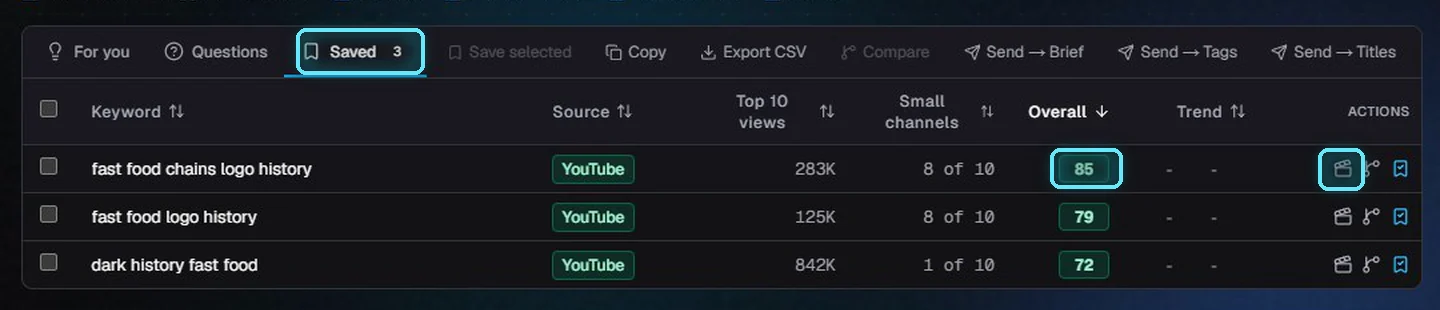
The Saved tab. The clapper on the right starts a video.
New video opens with the keyword in the topic box. You can also open it from New project and type a topic. Generate writes the script for you; Paste script and Upload voiceover are for when you already have one.
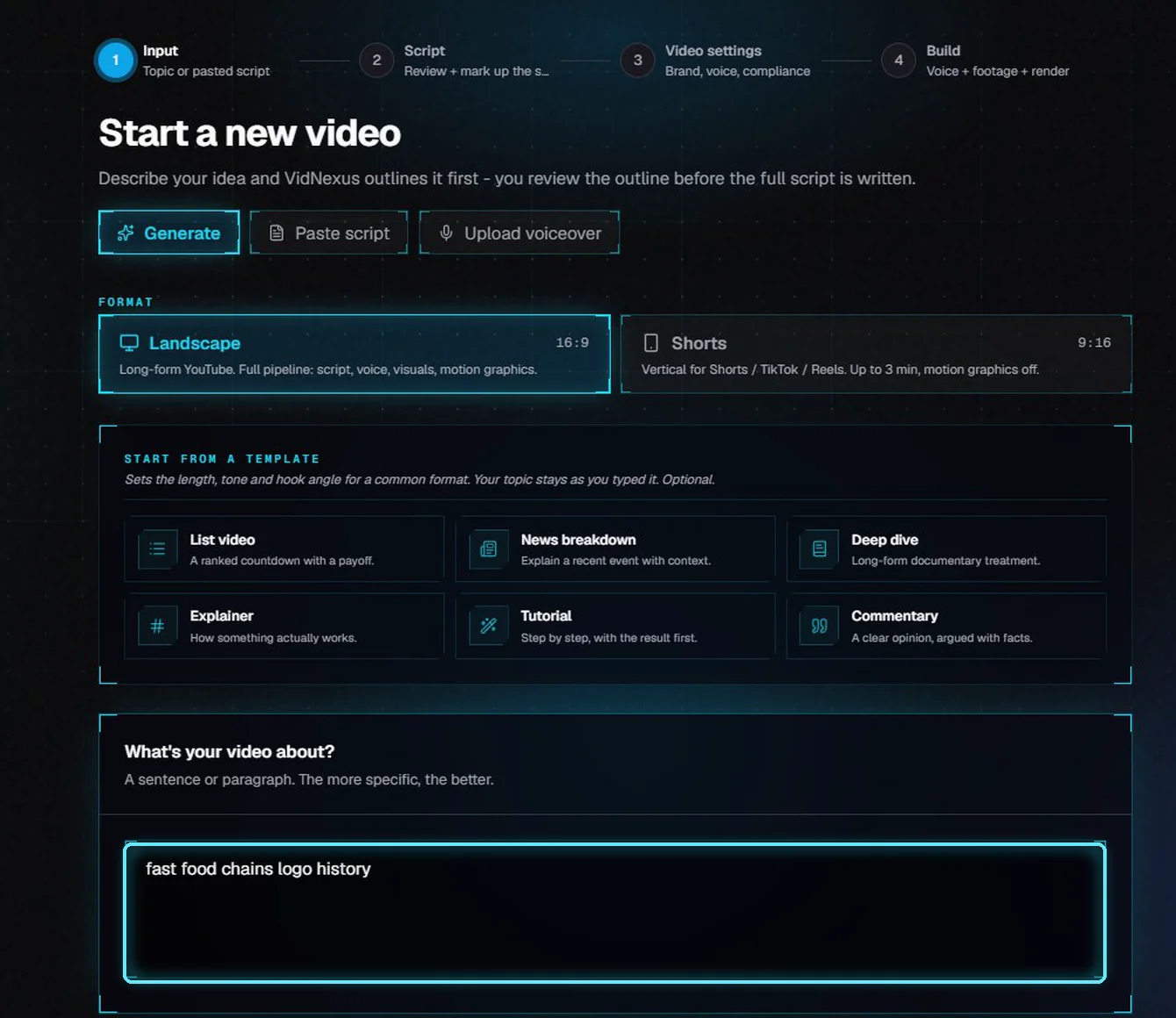
New video, with the keyword already in the topic box.
2. Format and length
Landscape (16:9) is a regular YouTube video with the full pipeline. Shorts (9:16) is a vertical video of up to 3 minutes for Shorts, TikTok and Reels, with motion graphics off.
The length choices follow the format. Shorts run from Micro (about 30 seconds) to Max (about 3 minutes).
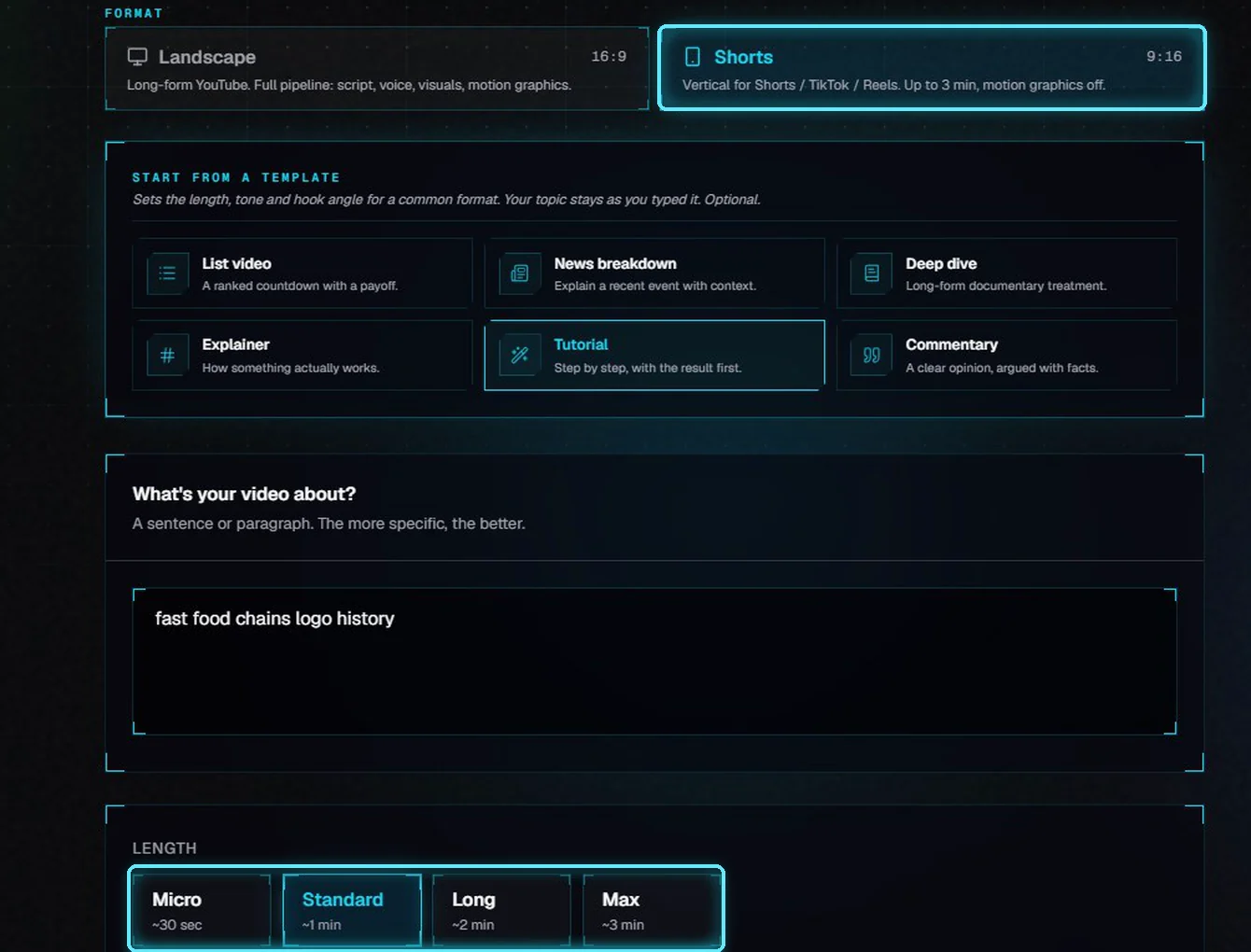
Shorts: Micro, Standard, Long and Max.
Landscape runs from Short to Deep dive. The labels come from scripts we measured, read at a normal narration pace. The final length still depends on the script you approve.
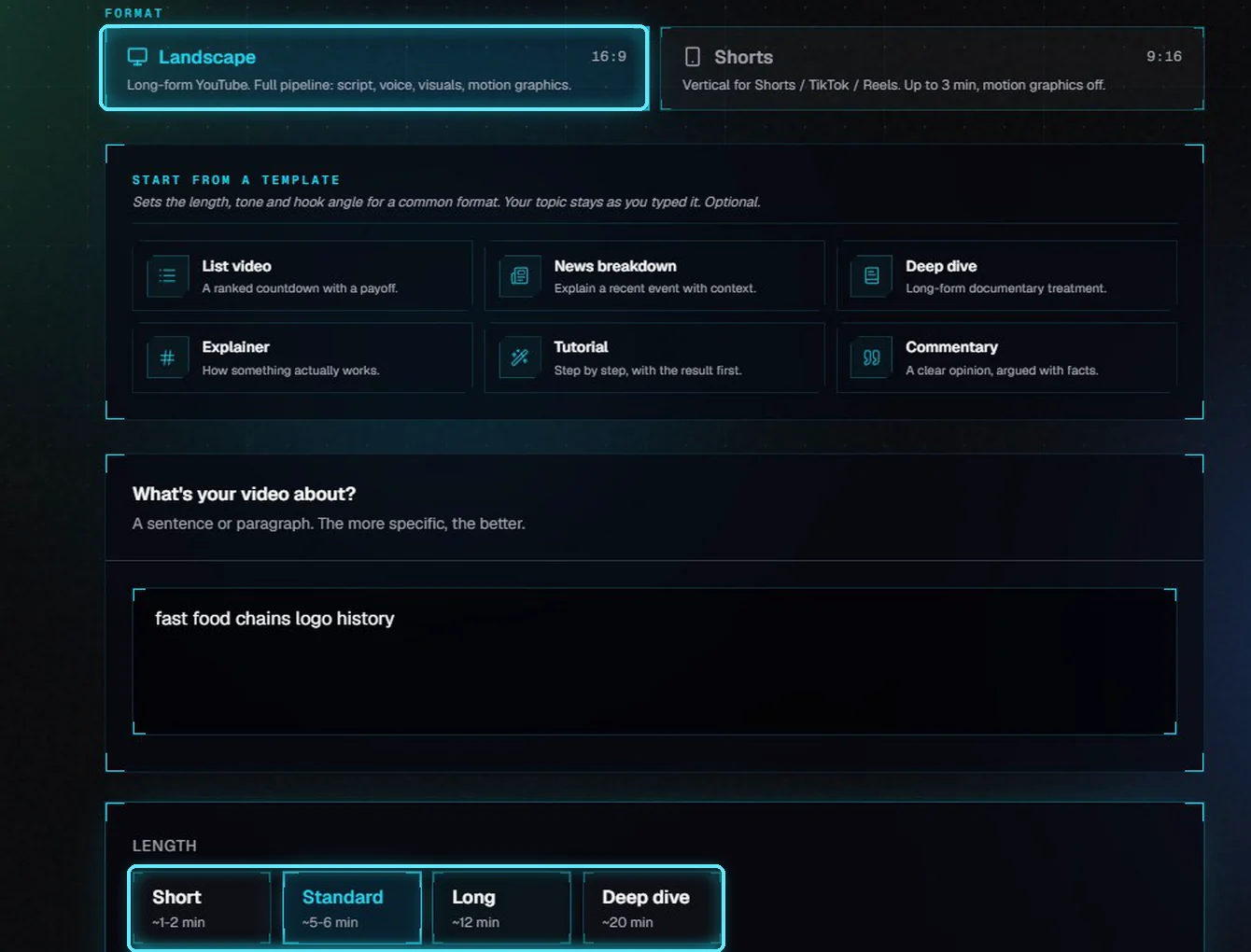
Landscape: Short, Standard, Long and Deep dive.
Length | Landscape label | What we measured (Documentary tone) |
|---|---|---|
Short | ~1-2 min | About 150 to 300 words. |
Standard | ~5-6 min | 921 words, about 5.7 minutes read aloud. |
Long | ~12 min | 1,957 words, about 12 minutes. |
Deep dive | ~20 min | 3,233 words, about 20 minutes. |
3. Start from a template (optional)
A template sets the length, the tone and a hook angle for a common kind of video, in one click. Your topic stays exactly as you typed it. Clear removes the selection but keeps the values it filled in, so change those by hand if you need to.
Template | Length | Tone | What it's for |
|---|---|---|---|
List video | Standard | Punchy | A ranked countdown with a payoff. |
News breakdown | Standard | Investigative | A recent event, with the context around it. |
Deep dive | Deep dive | Documentary | A long documentary treatment. |
Explainer | Standard | Explainer | How something actually works. |
Tutorial | Standard | Explainer | Step by step, with the result first. |
Commentary | Standard | Casual | A clear opinion, argued with facts. |
Here we picked Explainer. It set the length to Standard, the tone to Explainer, and filled in a hook angle: open on what most people believe about the topic that turns out to be wrong. You can keep it, edit it, or write your own.
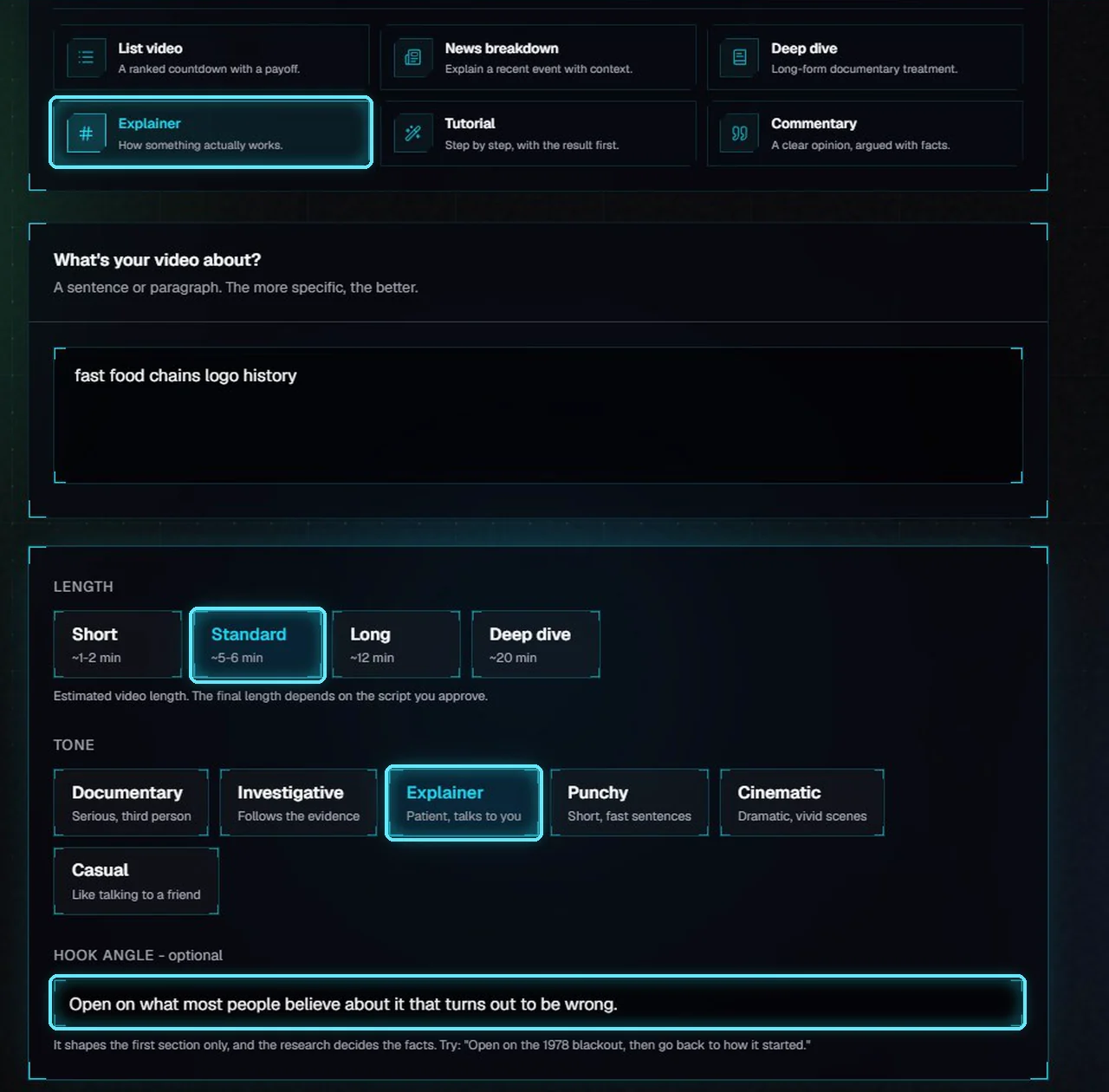
The Explainer template: Standard, Explainer tone and a hook angle.
4. Pick a tone
Each tone comes with its own writing rules, and the writer is reminded of them in every section, so the six read differently. We tried all six on the same section of this video:
Tone | How it writes | In our test on one section |
|---|---|---|
Documentary | Serious, third person. | 14 words a sentence, never says "you". |
Investigative | Follows the evidence in order and names where a fact comes from. | Lines like "Records show..." |
Explainer | Patient, talks to the viewer. | Says "you" 4 times: "You stand at the golden arches..." |
Punchy | Short, fast sentences. | 9 words a sentence on average. |
Cinematic | Vivid scenes, in the present tense. | "The Golden Arches rise above the street in 1962." |
Casual | Like talking to a friend. | Says "you" 4 times: "You might think..." |
For a history channel we chose Documentary.
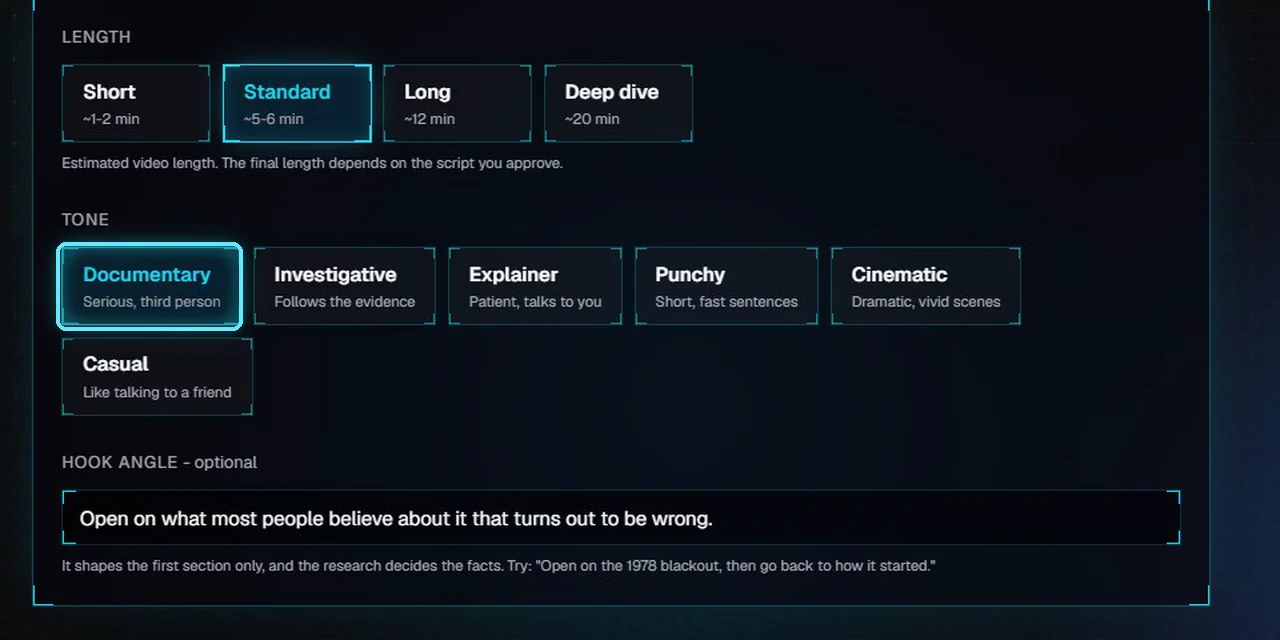
Six tones. Documentary is selected.
5. Write the hook angle
The hook angle is one sentence on how the video should open. Leave it blank and the AI chooses.
Type it in Hook angle. We wrote: Open on the Golden Arches, then reveal that McDonald's first mascot was a hamburger-headed chef called Speedee.
Check the Channel. Its channel brief sets the style for the whole script.
Click Generate script.
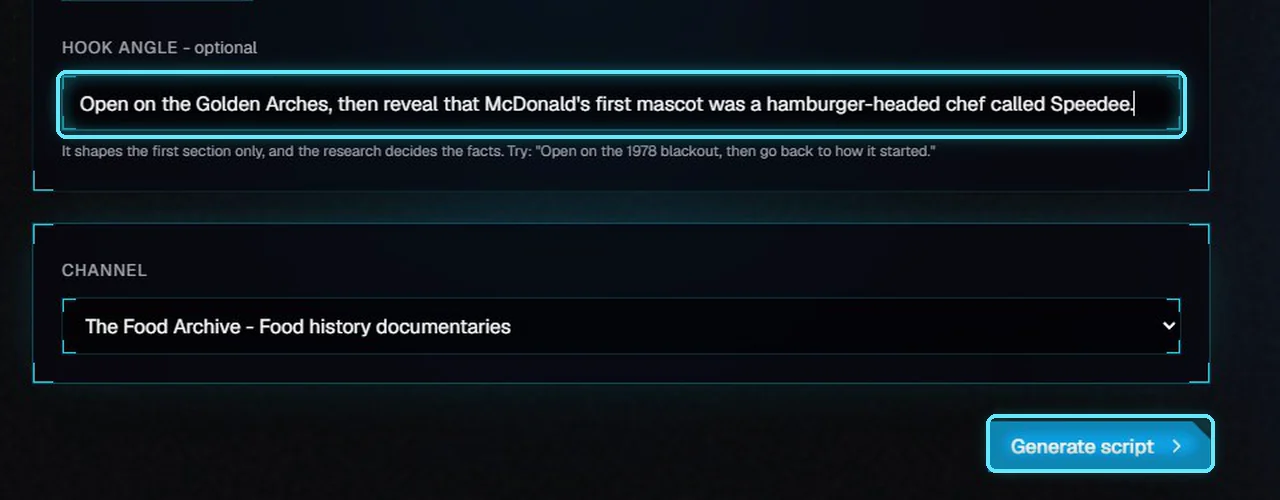
Our hook angle, ready to generate.
The hook angle shapes the first section only. The facts still come from the research, so keep it to one idea you know is true. If the research doesn't support it, the opening may not follow it closely.
Research and outline
VidNexus researches the topic first, then plans the outline. For this video it read 6 sources and kept 30 facts; research and outline took about 3 minutes on a local AI model.
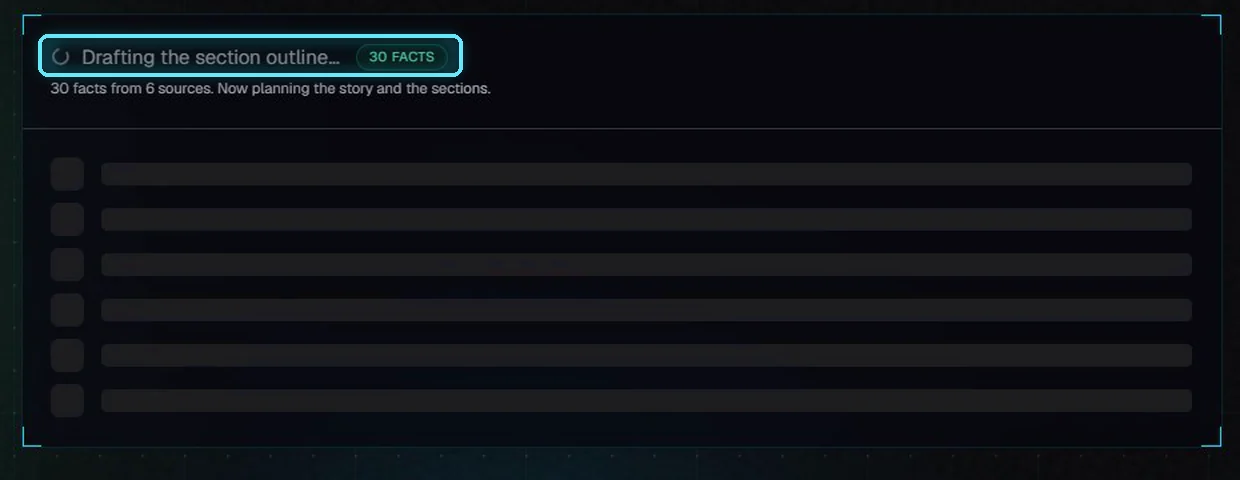
Research done: 30 facts from 6 sources. Now planning the outline.
When the outline is ready, Written as shows the format, length and tone it was planned with. Below it is the hook angle. To change it, edit it, click Save, then Regenerate outline to apply it to section 1.
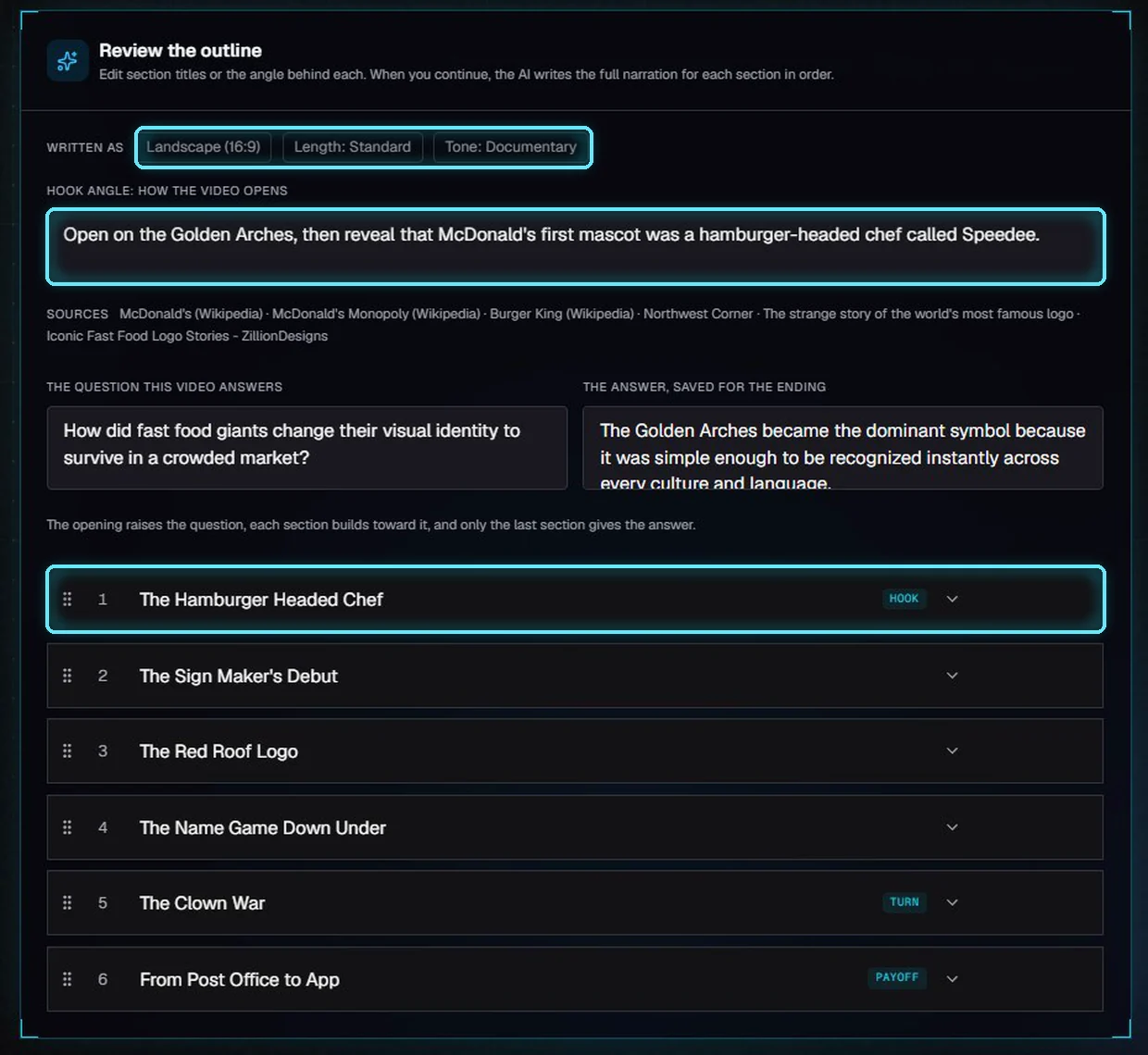
The outline. Section 1, The Hamburger Headed Chef, is the hook.
Open the angle of section 1 to see how it uses your hook. The other sections move on to the rest of the story.
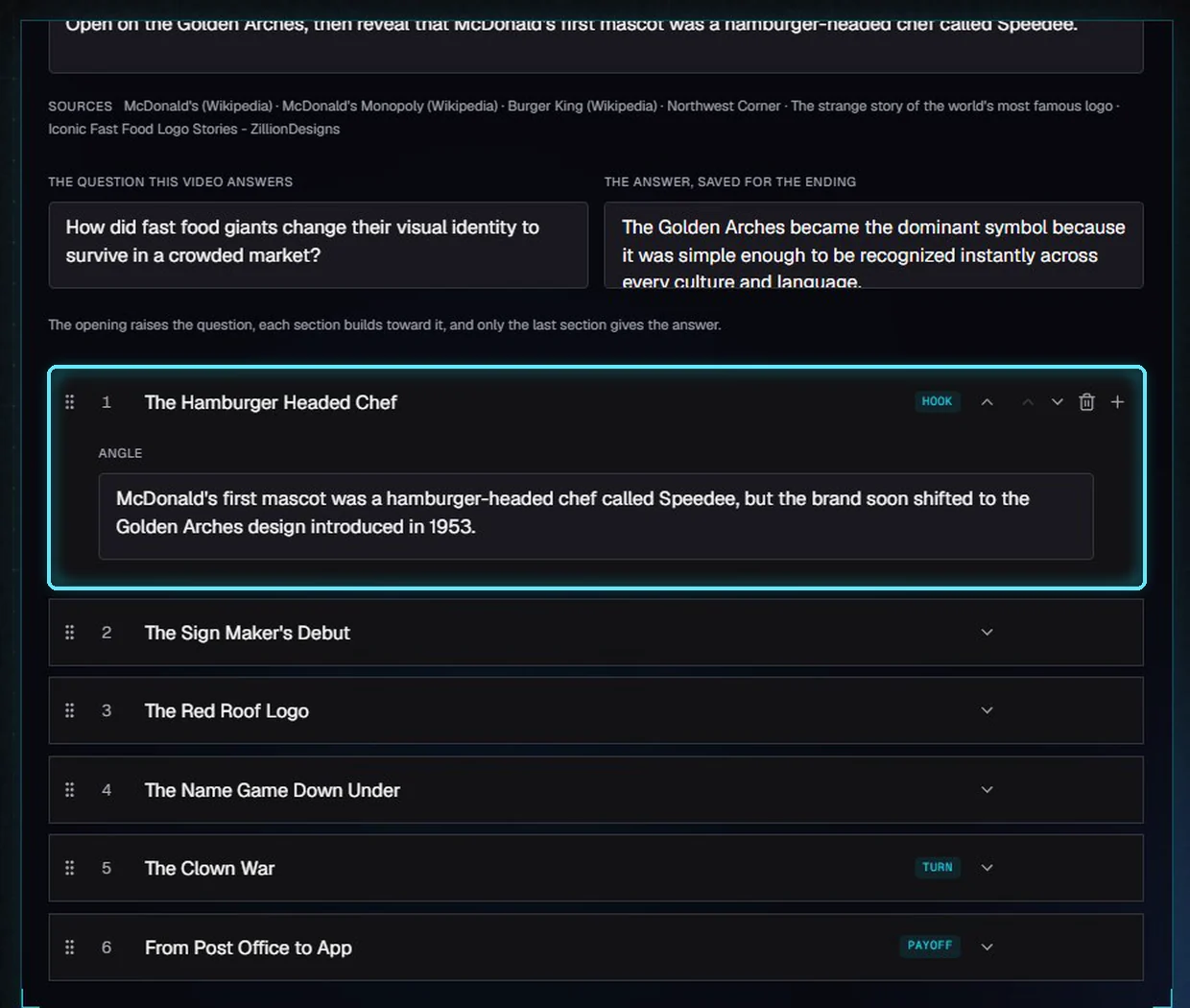
Section 1's angle is built on our hook: Speedee and the Golden Arches.
Next: Outline and script review, where you edit this outline and write the full script.
Tips
Pick the format first. The length choices change with it.
Use a template as a starting point, then change any setting. Nothing is locked.
Write the hook angle as an instruction for the opening, not a summary of the video.
Choose the tone for the channel, not the topic, so your videos sound alike.
Troubleshooting
The opening ignores my hook angle. The research may not support it. Check the Sources line on the outline, edit the hook angle, Save, and Regenerate outline.
The video is shorter or longer than the label. The label is an estimate from measured scripts. The script you approve decides the final length.
Explainer or Casual doesn't talk to the viewer. Check Written as on the outline. If it shows another tone, go back to New video and pick the tone you want before generating.