
Video settings
Pick the voice, set the graphics and footage sources, check the cost, then start the build.
A 3-minute video version of this guide will play here. Everything it shows is written out below.
Video settings is the last stop before VidNexus builds the video. This guide sets it up for the fast food logo history video from the last tutorial, then starts the build.
Before you start
A confirmed script (see Outline and script review). Continue to voice & visuals opens Video settings.
An ElevenLabs key in Settings. The voiceover is the paid part of the build.
1. Open Video settings
Changes here apply to this video only. Your brand kit stays as it is. A changed setting is marked this video; click the cross next to it to go back to the default.
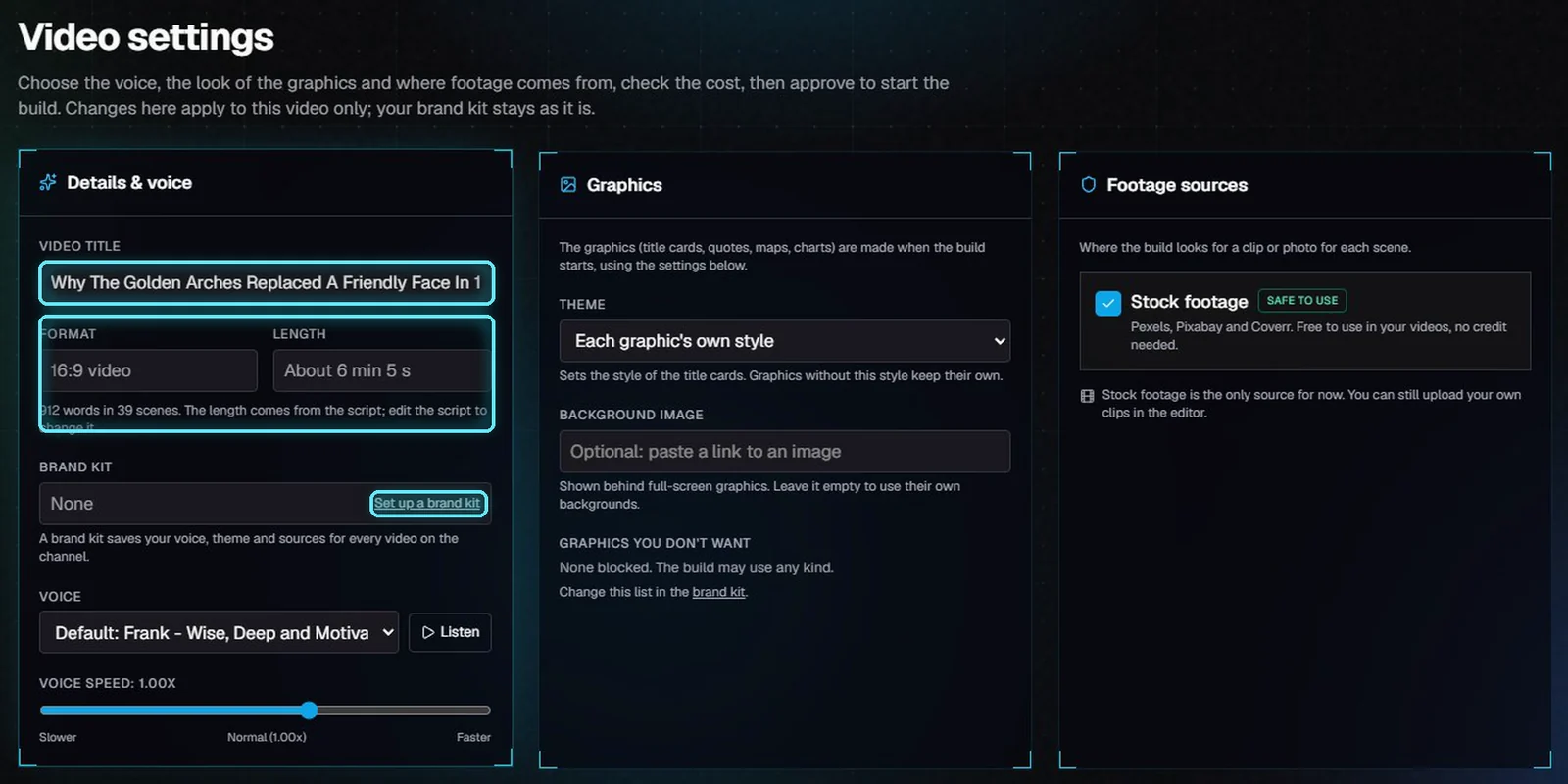
Video settings: details and voice, graphics, footage sources, and the cost below.
The title is the one the AI wrote from the script. Change it here, and it is saved on the project. Format and length come from the script: about 6 minutes, 912 words in 39 scenes. To change the length, edit the script.
Without a brand kit, Set up a brand kit opens Brand kits. A brand kit saves your voice, theme and sources for every video on the channel.
Setting | What the build does with it |
|---|---|
Video title | The name of the project, the video file and the publish step. Saved when you leave the field. |
Voice | The voice ElevenLabs reads the narration with. |
Theme | The style of the title cards. Graphics without that style keep their own. |
Background image | Shown behind full-screen graphics. Optional. |
Stock footage | Where the build looks for a clip or photo for each scene. |
2. Pick the voice
Open Voice. The first choice is the default, and says where it comes from: a pick made earlier for this video, the brand kit, the channel, or the app settings.
Pick a voice. We picked Nate the Great.
Click Listen to hear the voice's own sample from ElevenLabs. It is free and uses no credit. Click Stop to stop it.
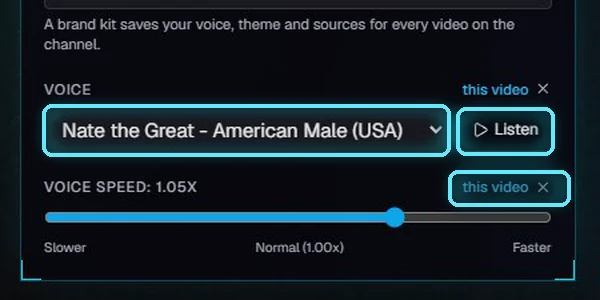
Nate the Great, marked this video.
3. Set the graphics
The graphics (title cards, quotes, maps, charts) are made when the build starts, so these settings reach all of them.
Theme sets the style of the title cards. We picked Vintage film. Graphics without that style keep their own.
Background image is optional. Paste a link to an image to show it behind full-screen graphics.
Graphics you don't want lists kinds the build never uses. Change the list in the brand kit.
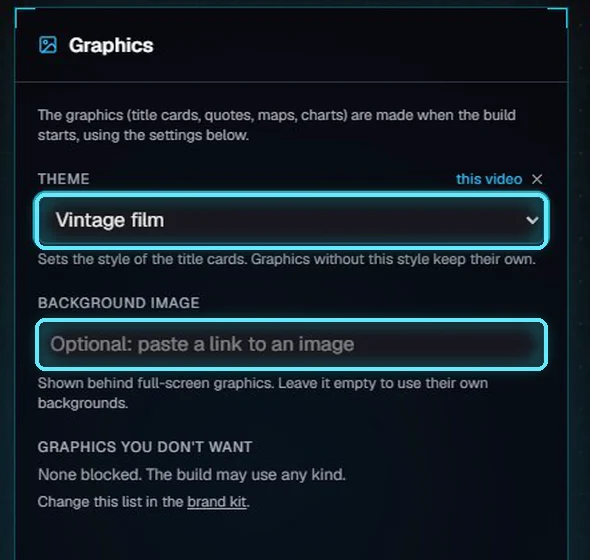
The Vintage film theme, and an empty background image.
4. Choose footage sources
Stock footage comes from Pexels, Pixabay and Coverr. It is free to use in your videos, with no credit needed. It is the only source for now; you can still upload your own clips in the editor.
If you untick it, the build finds no footage, and the scenes stay empty until you add clips in the editor.
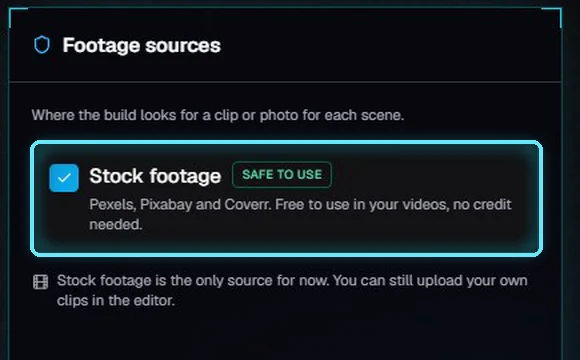
Stock footage, safe to use.
5. Check the cost
The cost of the build is counted from this script. The voiceover is the only paid part; the real spend is logged as the build runs.
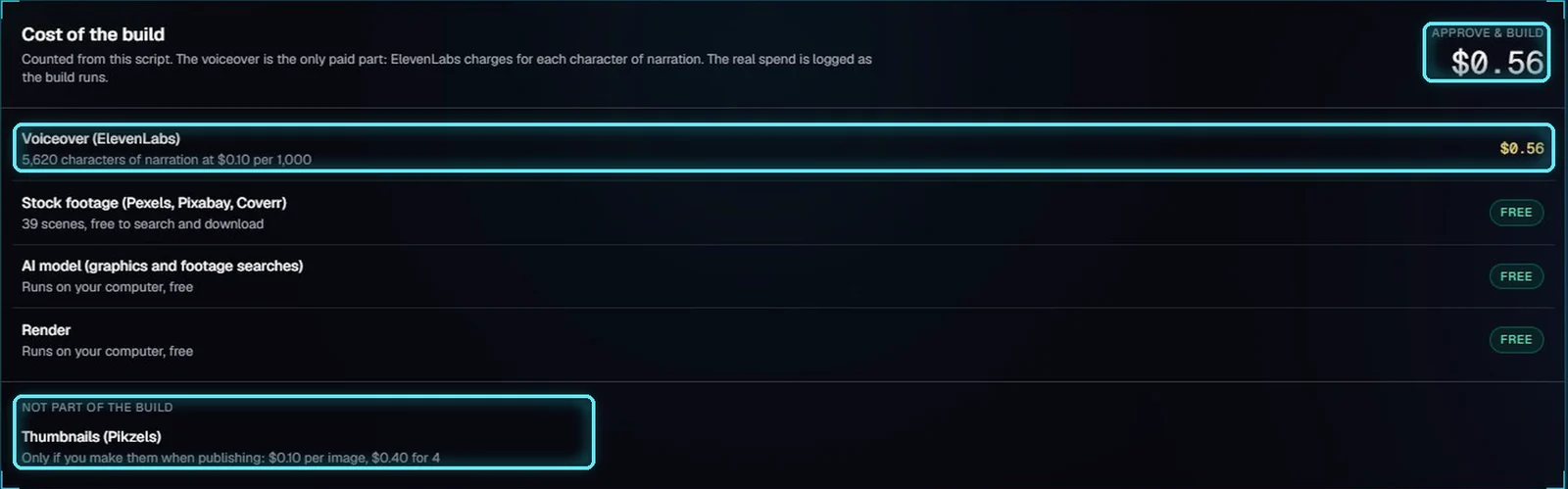
56 cents, all of it the voiceover. Thumbnails are not part of the build.
Line | Cost | Why |
|---|---|---|
Voiceover (ElevenLabs) | $0.56 | 5,620 characters of narration at $0.10 per 1,000. |
Stock footage | Free | Pexels, Pixabay and Coverr have free APIs. |
AI model | Free | Runs on your computer. |
Render | Free | Runs on your computer. |
Thumbnails (Pikzels) | Not in the total | $0.10 an image, only if you make them when you publish. |
Voiced scenes are kept. If you build the same script again with the same voice, they aren't charged again.
6. Approve and build
Click Approve & build. VidNexus opens the build: graphics, voiceover, footage, then the final render. You can leave the page; it keeps working.
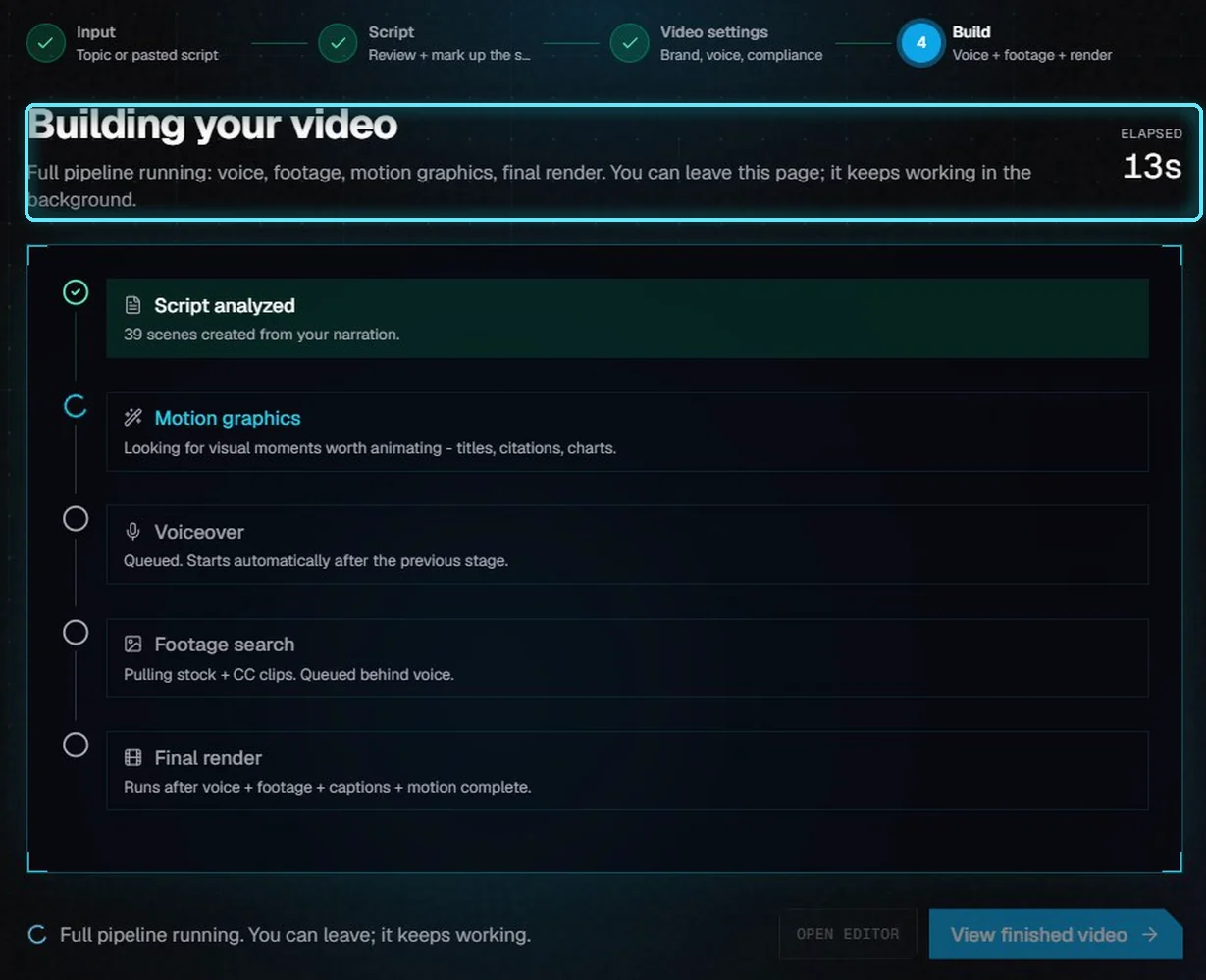
The build has started.
Next: Bring your own script.
Tips
Listen to a voice before you pick it. The voiceover is the one part you pay for.
Set the theme here, before the build. The graphics are made when the build starts.
To use the same voice and theme on every video, save them in a brand kit.
Troubleshooting
"The voice list couldn't load." Check the ElevenLabs key in Settings, then reload the page.
Listen is greyed out. That voice has no sample. Pick it and check the first scene in the editor after the build.
"The cost couldn't be worked out." VidNexus isn't reachable. Check that it is running, then reload the page.